In the «Letai 2.0» app
The fastest option: balance on the home screen, pay by card in a couple of taps. SBP supported.
Open the app → «Top up» → pick the service → enter the amount → pay by card or via SBP.
Download the appPayment
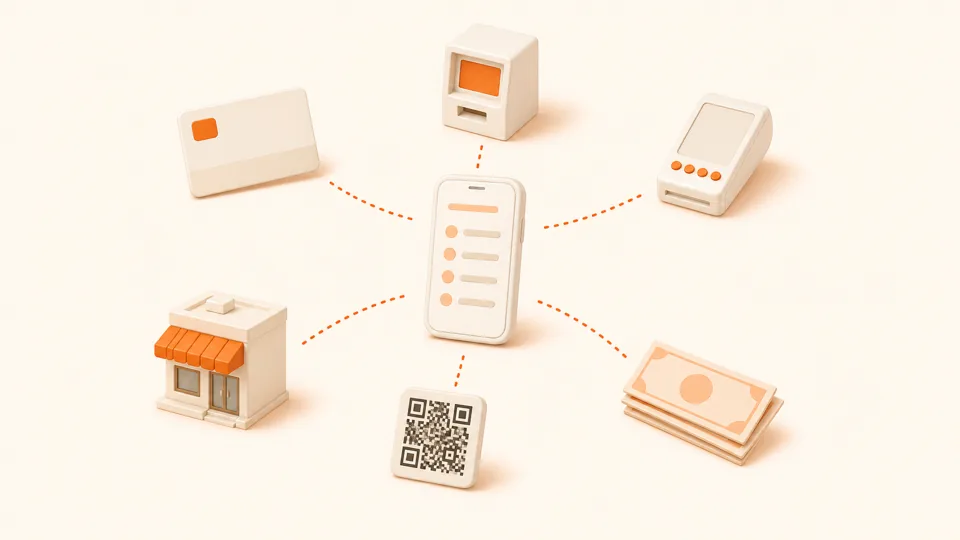
A handful of options — from the app and SBP to a Tattelecom office. Most channels are commission-free and post the payment instantly.
Payment methods
Every method is commission-free, except payments through a third-party bank’s ATM.
The fastest option: balance on the home screen, pay by card in a couple of taps. SBP supported.
Open the app → «Top up» → pick the service → enter the amount → pay by card or via SBP.
Download the appHandy from a computer. Sign in by phone number and SMS code, then tap «Top up».
Open newlk.letai.ru → sign in → «Payment» section → enter the amount → pay by card.
Open the web accountNo code at hand? Use express card payment: just the account number and the amount. The payment posts instantly.
Open the express payment form → enter the account number and amount → pay by card.
letai.ru/payment
Sber, VTB, Tinkoff, Alfa-Bank and most other banks support Tattelecom/Letai payments in the «Payments and transfers» section.
In your bank app: «Payments» → «Communications, internet, TV» → find «Tattelecom» or «Letai» → enter the account number → pay.
If the provider list does not include them — use SBP by QR code from the «Letai 2.0» app.
Cash or card at any service office. We issue the receipt right away; the payment posts within minutes.
Bring your passport or simply state the account number — the agent will accept any convenient payment method.
Office addressesAny ATM with «Pay for services» works. In payment terminals: the «Internet and TV» section → «Tattelecom».
«Pay for services» → «Internet / TV» → «Tattelecom» (or «Letai») → account number → amount → confirm.
Third-party ATMs may charge a fee — check the screen before confirming.
You can find it in the contract and on receipts. Ask in the «Letai 2.0» app support chat or by phone at 8 (843) 222-22-22.
If a payment takes more than 30 minutes — send the receipt number to support chat and we will speed up posting.
An electronic receipt arrives in the bank app or to your email. If questions come up, you will need it for the case review.
Set up automatic payment by account number in your bank app — the internet will not be cut off, even if you forget to pay.
Write to support chat in the «Letai 2.0» app or call — we will sort it out. We need the receipt number and the account number.
Q&A